100% Local · 100% Private
Speech-To-Text,
with a suite of features!
Longform & live transcription, speaker diarization, AI summaries, and a calendar-based audio notebook - powered by Whisper, NeMo, SenseVoice, VibeVoice & more. Runs entirely on your machine.
Hardware Acceleration
Features
Everything You Need
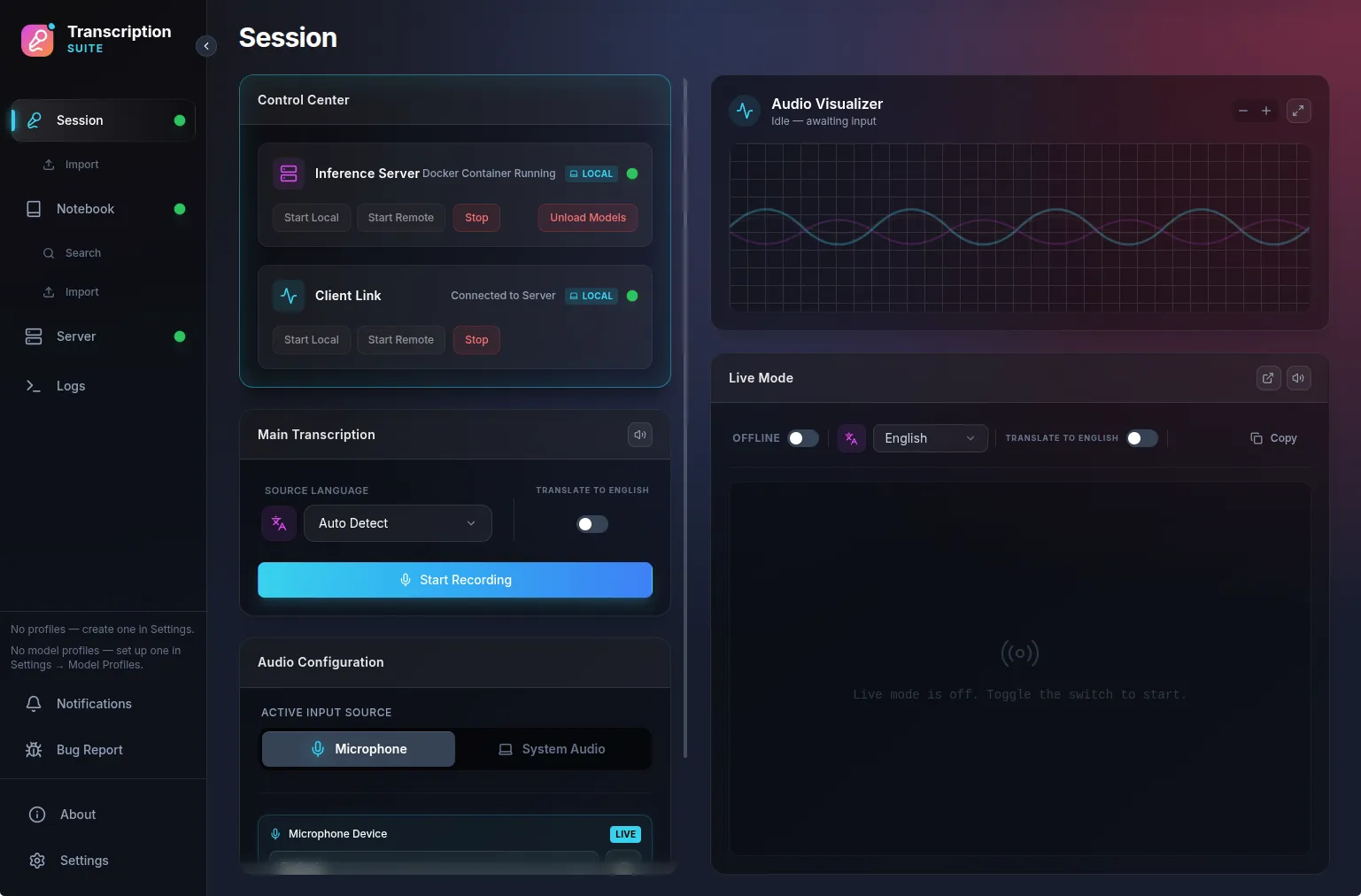
Transcribe
Record anything. Keep everything local.
Record for as long as you want - from your microphone or system audio - and get the full transcript seconds after you stop, with a rolling preview while you speak. Flip on Live Mode for real-time, sentence-by-sentence dictation, or translate foreign audio to English on the fly.
30 minutes of audio in under a minute on an RTX 3060.
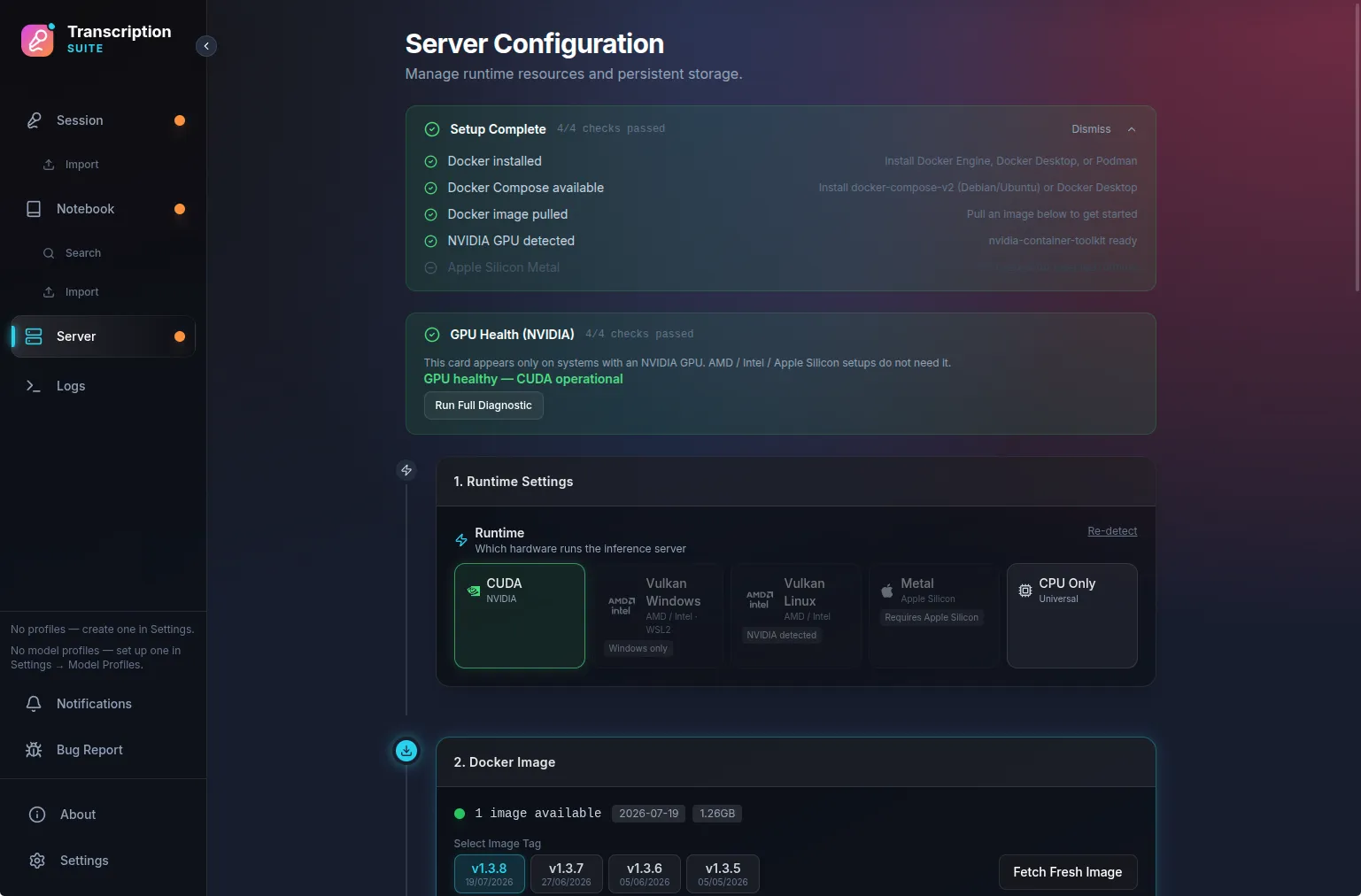
Your Hardware
Any GPU. Your choice of models.
Whisper, NVIDIA NeMo Parakeet & Canary, SenseVoice, VibeVoice-ASR, whisper.cpp, MLX - pick what fits your machine. The app manages the whole engine for you: Docker on Linux and Windows, native Metal on Apple Silicon, with guided setup checks and one-click image updates.
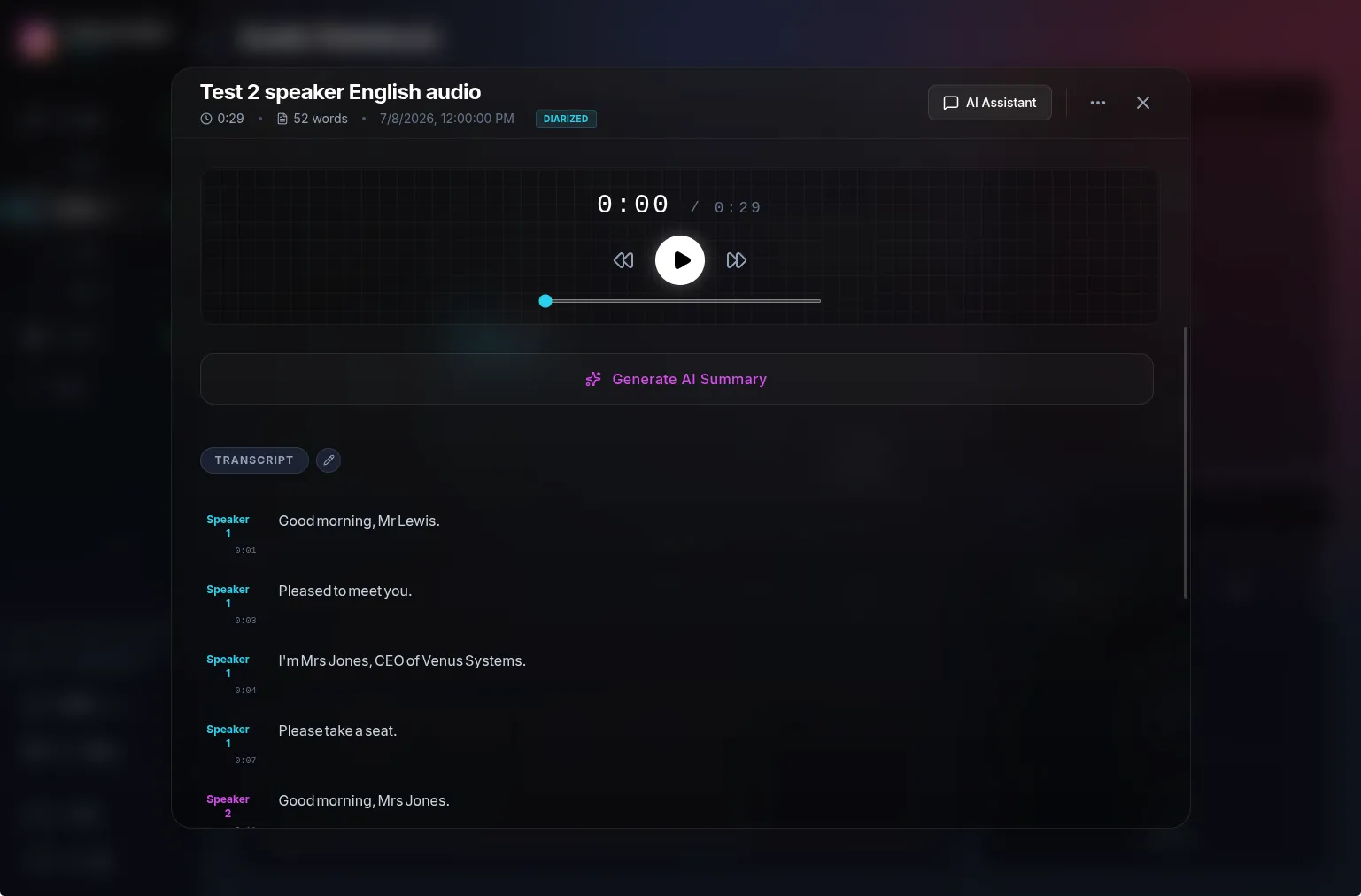
Understand
Who said what, automatically.
Speaker diarization labels every voice in the recording. Generate an AI summary of any note, or chat about it with the AI Assistant - wired to any OpenAI-compatible provider, from local LM Studio and Ollama to Groq and OpenRouter.
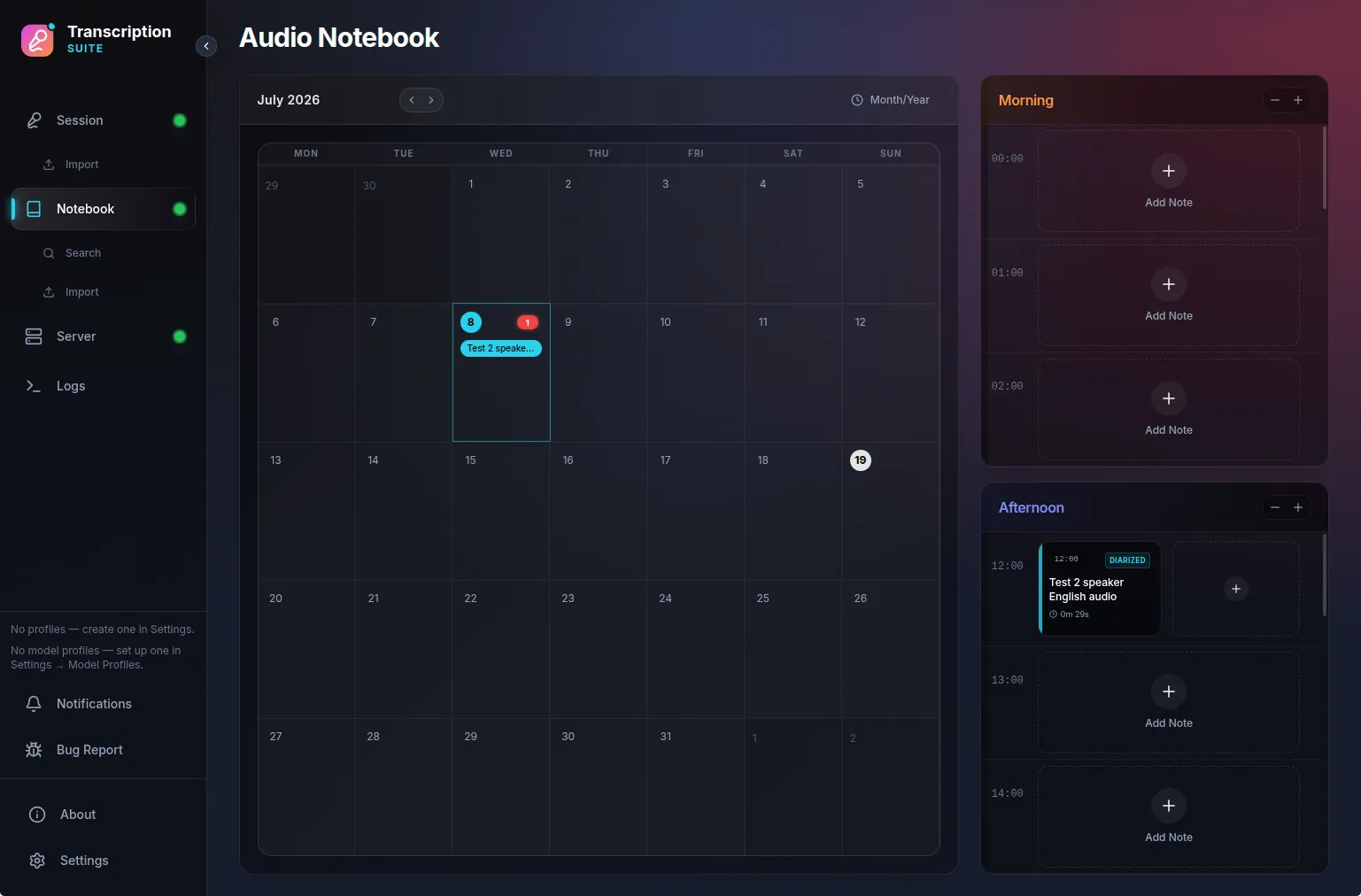
Organize
A calendar for your voice.
Every recording can land in the Audio Notebook: browse by month, scrub through your day hour by hour, replay the original audio, and find any spoken phrase again with full-text search.
And more
- Remote access - Tailscale or LAN
- Global shortcuts - dictate into any app
- File import - audio & video → .txt / .srt / .ass
- OpenAI-compatible API - drop-in STT for other tools
- Outgoing webhooks - push transcripts anywhere
- Translation - 90+ languages to English
Backstory
About This Project
TranscriptionSuite started as a personal tool and turned into a hobby project. I’m an engineer - just not a software engineer. This whole thing is vibecoded, but not blindly: for example, Dockerizing the server for easy distribution was 100% my idea.
I’m using this project to learn programming. Starting from virtually nothing, I now have a decent grasp of Python, git, uv & Docker. I started doing this because it’s fun, not to make money - though I do find, despite my mechanical engineering degree, that I want to follow software as a career.
Since I dogfood the app every day, I’m not going to abandon it. I’ll also try to deal with bugs as soon as possible.
Inspired by RealtimeSTT .
Open Source & Free
This project was only made possible thanks to free & open source software.
I wanted to share back to the community and that's why I chose the GPLv3+ license.
Star the repo, report bugs, or contribute on GitHub.
